Reverse Text Online: Flip Words, Letters & Lines for Free
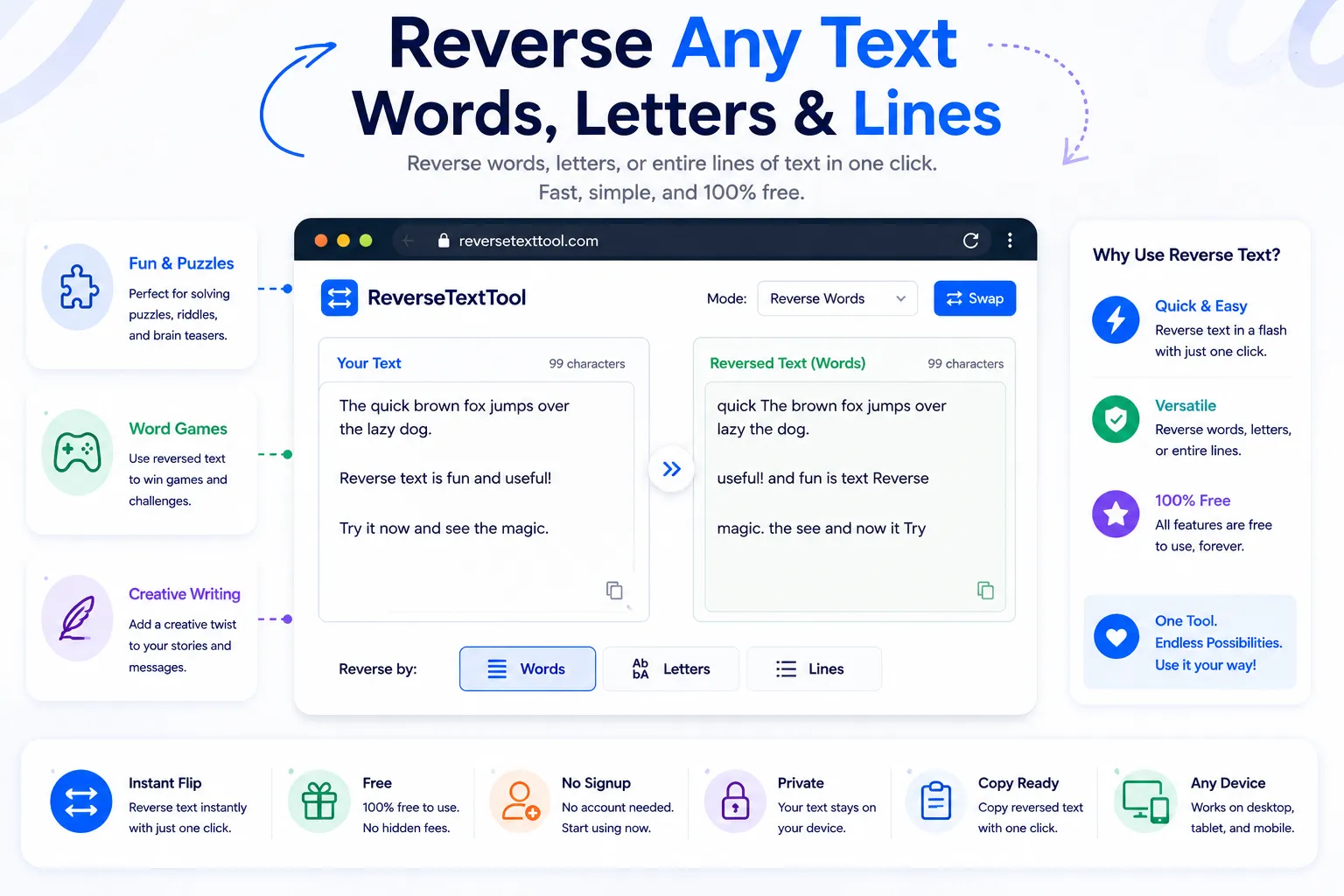
Reversing text sounds like a novelty until you actually need it for something like a mirrored design caption, a puzzle, a palindrome check, or a quick way to obscure a message before sending it somewhere it'll get flipped back. Doing it by hand, letter by letter, is slow and mistakes are easy to make in anything longer than a short sentence.
A reverse text tool handles all of that instantly. This guide covers the different ways text can be reversed, when each mode is actually useful, and how to flip any text for free using NexaTools.
The Three Ways to Reverse Text
"Reverse text" isn't one single operation, it depends on what unit you're flipping. Letter reversal flips every character in the string, turning a whole sentence into a mirror image. Word reversal keeps each word spelled correctly but flips the order they appear in. Line reversal keeps every line untouched but flips the order the lines are stacked in. Picking the right mode matters, since each produces a completely different result from the same input.
Step-by-Step: Reverse Text with NexaTools
- Open the NexaTools Reverse Text tool
- Paste your text into the input box
- Choose letter, word, or line reversal mode
- Copy the flipped result wherever you need it
Common Uses for Reversed Text
- Palindrome testing checking whether a word or phrase reads the same forwards and backwards
- Mirror-style captions creating a backwards text effect for design mockups or social posts
- Reordering chronological lists flipping a log or timeline from oldest-first to newest-first without retyping it
- Puzzles and games generating scrambled or backwards clues for word games
Common Mistakes to Avoid
- Mixing up reversal modes flipping letters when you actually wanted word order flipped, which produces unreadable gibberish
- Forgetting punctuation letter-level reversal moves punctuation marks too, so a period at the end becomes a period at the start
- Losing line breaks pasting multi-line text into a single-line reverser can merge everything into one flipped line
🔄 Reverse Text Free
No signup, no limits. Paste your text and flip it instantly.
⚡ Open Reverse Text