How to Remove Duplicate Lines From a List Online for Free
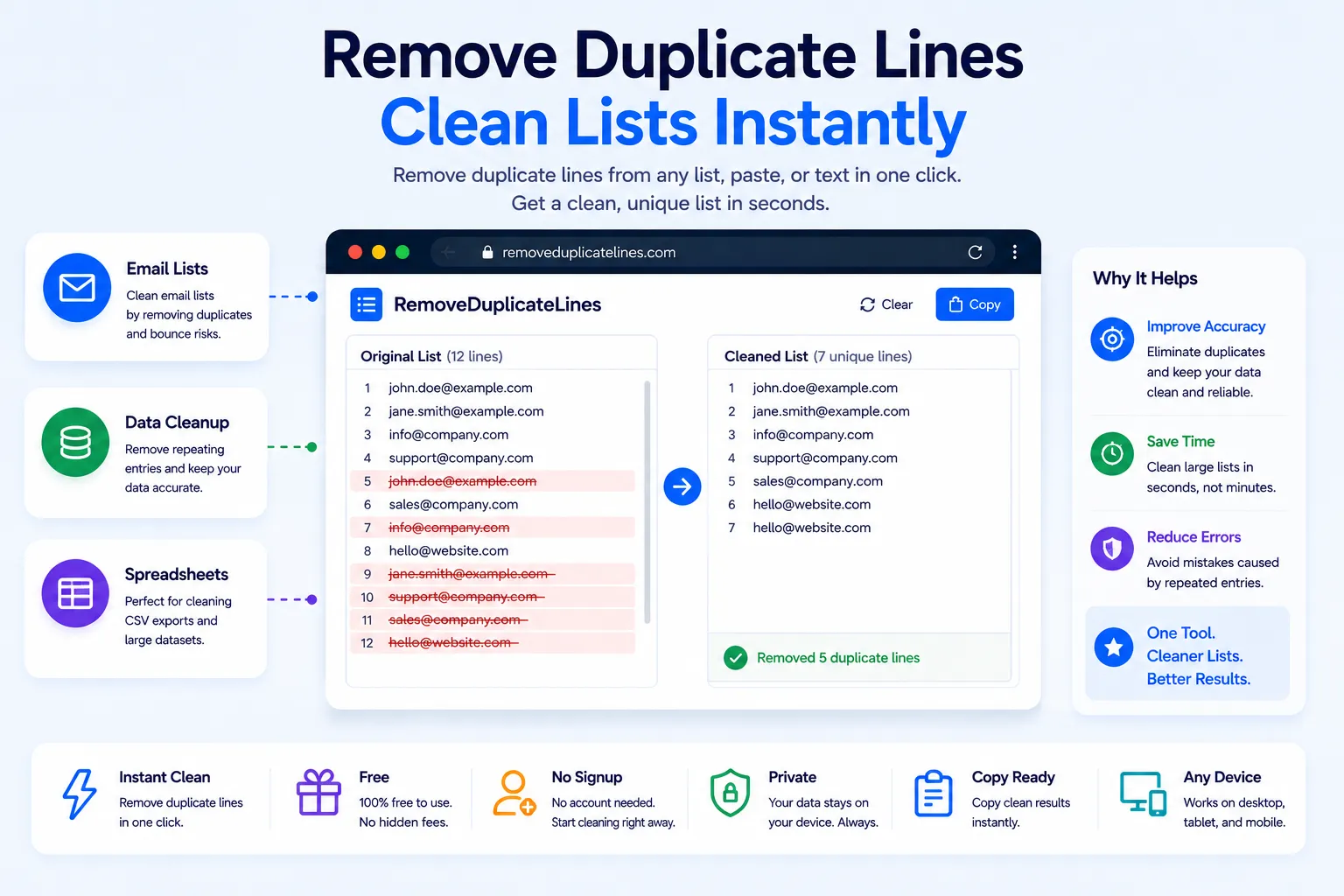
Long lists rarely stay clean. Export a spreadsheet, merge two contact lists, or scrape data from a webpage, and duplicate rows almost always sneak in. Scrolling through hundreds or thousands of lines by hand to spot repeats isn't realistic, and a single missed duplicate can throw off a mailing list, a keyword set, or a database import.
A duplicate line remover solves this in seconds. This guide covers why duplicate lines show up in the first place, how the removal process actually works, and how to clean any list for free using NexaTools.
Where Duplicate Lines Usually Come From
Duplicates rarely happen on purpose. They creep in when two spreadsheets get merged without a check for overlap, when a list is exported twice and pasted together, when scraped data repeats entries across pages, or when a CSV file gets appended to instead of replaced. By the time the list reaches a few hundred lines, manually spotting every repeat is close to impossible.
Step-by-Step: Remove Duplicate Lines with NexaTools
- Open the NexaTools Duplicate Line Remover
- Paste your list into the input box
- Choose whether the check should be case-sensitive
- Run the tool and copy the cleaned, duplicate-free list
Common Mistakes When Cleaning Lists
- Trusting spreadsheet sort alone sorting a list makes duplicates sit next to each other but doesn't remove them
- Ignoring case differences a strict character match will treat "Apple" and "apple" as two separate entries
- Skipping the whitespace check invisible trailing spaces can make identical-looking lines pass as unique
- Losing the original order some basic scripts re-sort the list alphabetically instead of preserving the order entries appeared in
Who Uses a Duplicate Line Remover
- Marketers cleaning email lists before a campaign send
- Developers deduplicating log files or CSV exports
- Students and researchers merging survey response lists
- SEO teams consolidating keyword lists pulled from multiple tools
🧹 Remove Duplicate Lines Free
No signup, no limits. Paste your list and get a clean, duplicate-free result instantly.
⚡ Open Duplicate Line Remover