How to Delete Blank Lines From Text Instantly
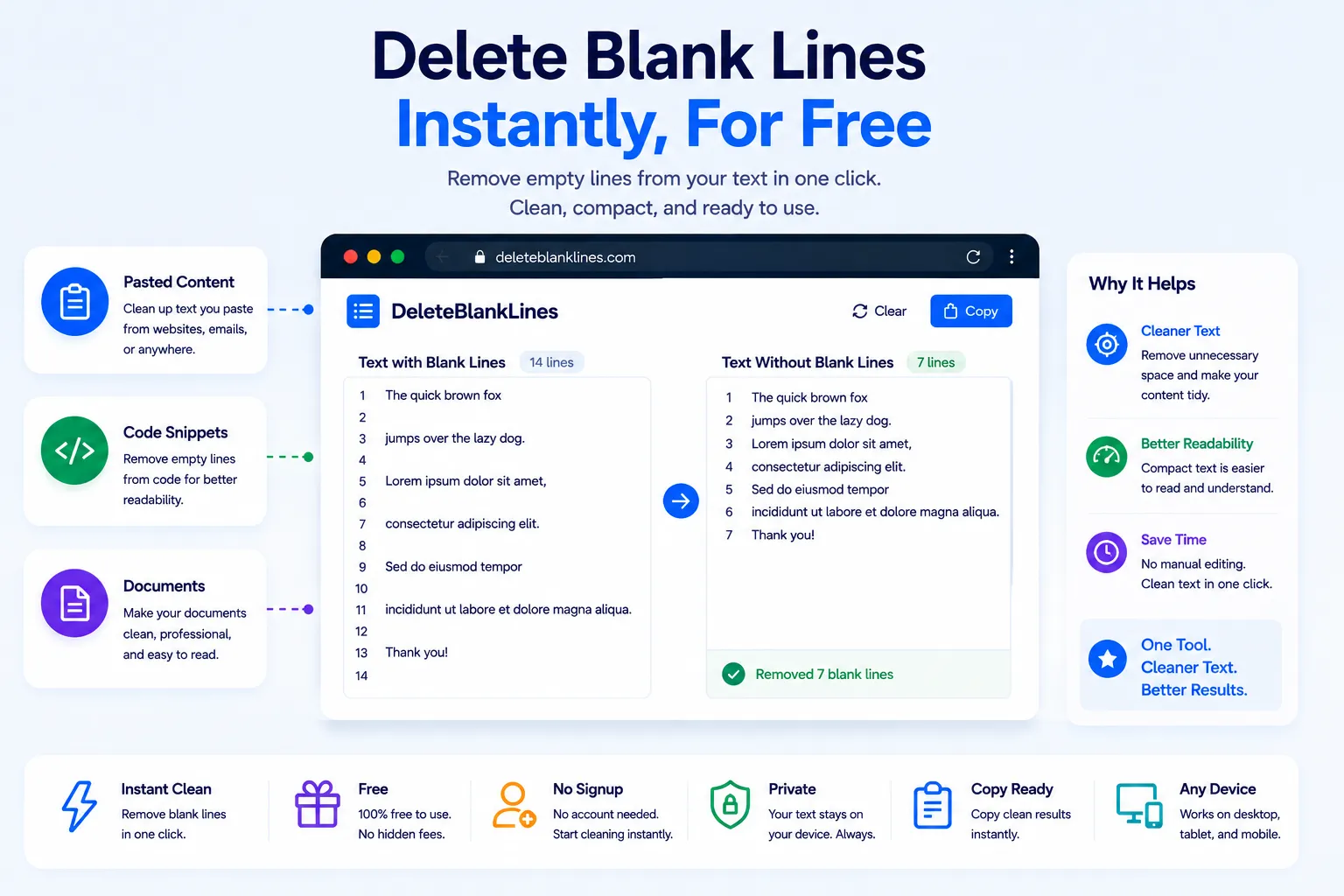
Copy text from a PDF, an old Word document, or a scraped webpage, and it almost always brings extra blank lines with it. What should be a tight paragraph turns into a wall of gaps, and a short list ends up spread across triple the space it needs. Deleting each blank line by hand in a long document is tedious and easy to get wrong.
An empty line remover fixes this in one pass. This guide covers why blank lines pile up in pasted content, what a removal tool actually does under the hood, and how to clean any block of text for free using NexaTools.
Why Text Ends Up Full of Blank Lines
Blank lines usually aren't added on purpose, they're a side effect of moving text between formats. PDFs often insert a line break after every visual line rather than every paragraph. Word documents carry hidden paragraph marks that turn into blank lines when pasted into plain text. Scraped web content frequently keeps the spacing from the page's HTML structure. Even exporting a spreadsheet column to text can leave a blank row for every empty cell.
Step-by-Step: Remove Blank Lines with NexaTools
- Open the NexaTools Empty Line Remover
- Paste your text into the input box
- Run the tool to strip every blank and whitespace-only line
- Copy the cleaned text back into your document, editor, or spreadsheet
Common Mistakes When Cleaning Text
- Manual find-and-replace on Enter key this often collapses intentional paragraph breaks along with the unwanted blank lines
- Ignoring whitespace-only lines a line with just a space or tab won't get caught by a check for truly empty lines
- Losing paragraph structure stripping every line break instead of just blank ones turns a document into one unreadable block
- Skipping a final check always scan the result for double spacing that may still remain after cleanup
Who Needs an Empty Line Remover
- Writers cleaning up text copied from PDFs or scanned documents
- Developers tidying code or log files before sharing them
- Students formatting essays pasted from research sources
- Data teams prepping text files before import into another system
🧹 Remove Blank Lines Free
No signup, no limits. Paste your text and get a clean result instantly.
⚡ Open Empty Line Remover