UPPERCASE to lowercase Converter: Free Case Converter Guide
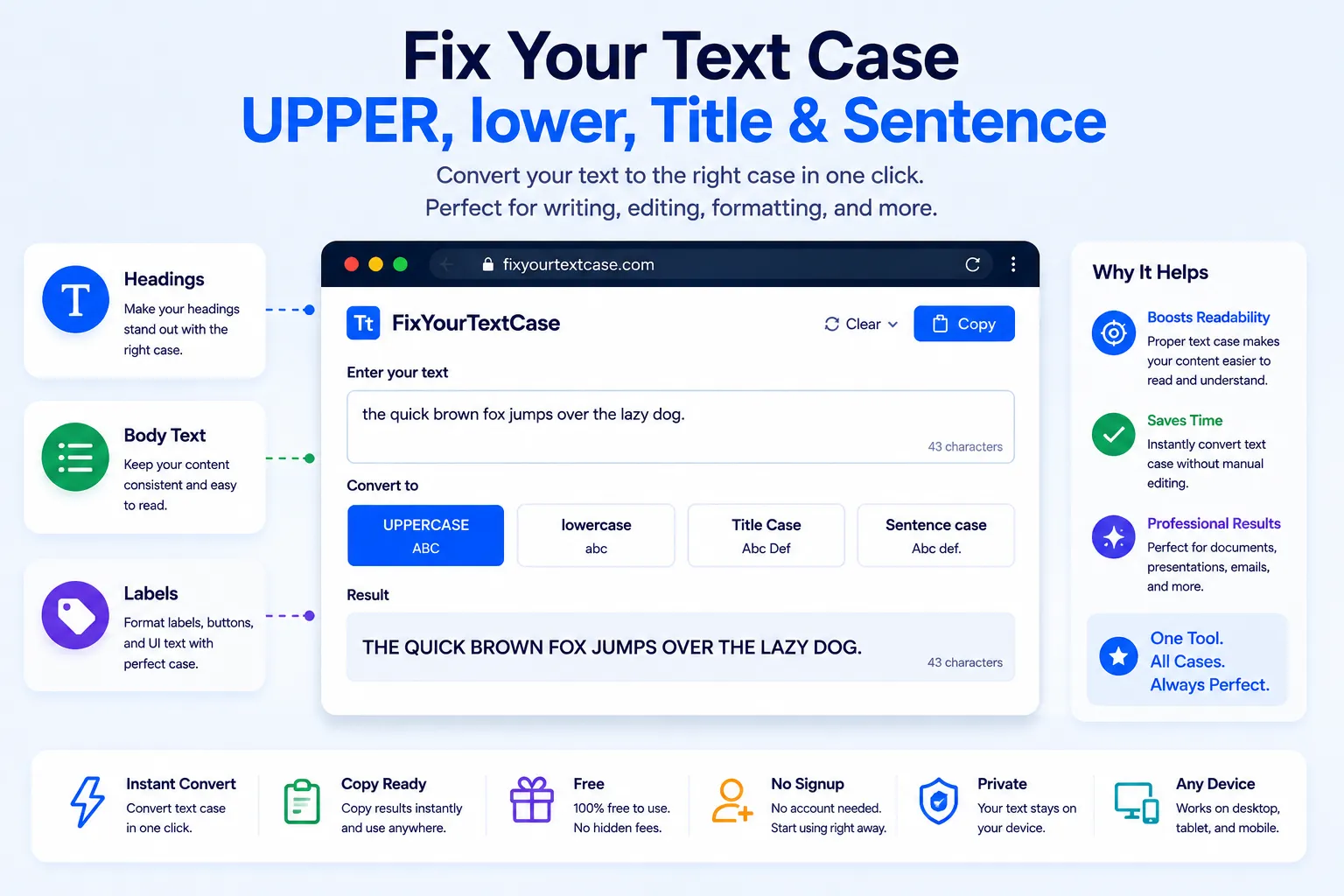
Nothing looks less professional than a heading typed in the wrong case, or an email that accidentally got sent with Caps Lock stuck on. Retyping the whole thing by hand is slow and error-prone, especially with long paragraphs or lists pulled from somewhere else.
A case converter fixes this instantly. This guide covers the four common case styles, when to use each one, and how to convert text for free using NexaTools.
Why Text Case Matters More Than You'd Think
Case isn't just a style choice, it signals meaning. ALL CAPS reads as shouting or urgency. lowercase everywhere can look careless in a formal document. Title Case is the expected format for headings and titles. Sentence case is the standard for normal prose. Using the wrong one in the wrong place, even by accident, changes how a reader perceives your tone before they've read a single word of content.
Step-by-Step: Convert Text Case with NexaTools
- Open the NexaTools Case Converter
- Paste your text into the input box
- Choose UPPERCASE, lowercase, Title Case, or Sentence case
- Copy the converted result back into your document, email, or post
Common Case Mistakes to Avoid
- Accidental Caps Lock a message typed with Caps Lock on can come across as aggressive even if that wasn't the intent
- Inconsistent heading case mixing Title Case and Sentence case across headings in the same document looks unpolished
- Copy-pasted ALL CAPS content text copied from PDFs or old documents sometimes comes in all uppercase and needs converting before reuse
- Over-capitalizing in Title Case small words like "and," "of," and "the" are often left lowercase in proper Title Case styling
Writers & Marketers: A Quick Checklist
- Use Sentence case for body paragraphs and standard prose
- Use Title Case for headings, page titles, and product names
- Reserve UPPERCASE for short labels or genuine emphasis, not full paragraphs
- Double check case consistency after merging content from multiple sources
🔠 Convert Text Case Free
No signup, no limits. Paste your text and switch case instantly.
⚡ Open Case Converter