Character Counter Guide: Fit Your Text Into Twitter, Meta & SMS Limits
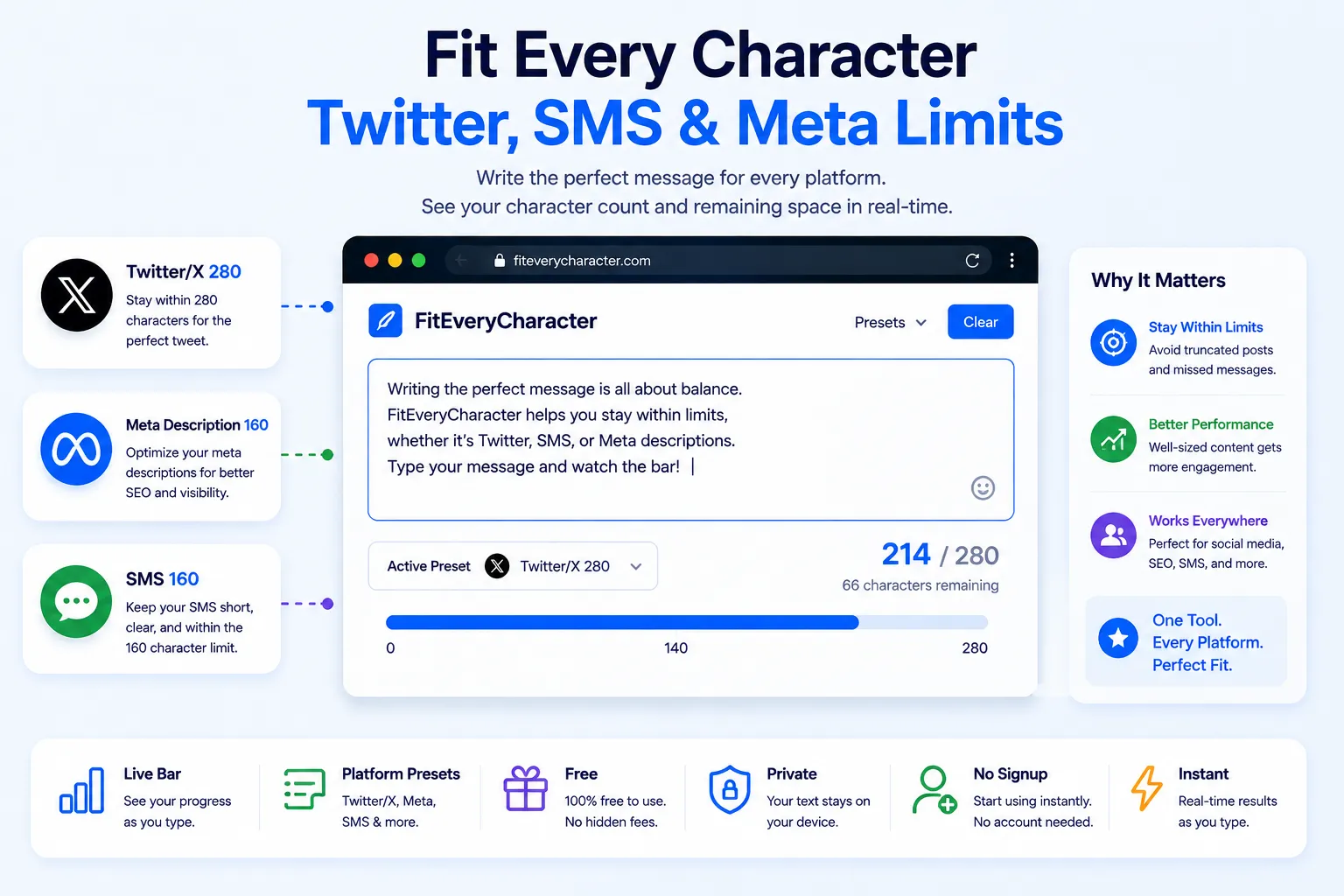
Some limits are measured in words. Others are measured in characters and the difference matters more than people realize. A tweet, an SMS, and a search engine snippet all cut you off by character, not by word, which means a handful of long words can eat your limit far faster than expected.
This guide walks through how character limits work across different platforms, and how to check your text instantly for free using NexaTools.
Why Character Limits Are Different From Word Limits
A word counter tells you how many words you've written. A character counter tells you how much visible space your text takes up including every letter, number, space and punctuation mark. Platforms with a fixed input field, like a text message or a search result snippet, care about characters because that's what physically fits on screen. Writing "internationalization" and "cat" both count as one word, but they take up very different amounts of space which is exactly why character-based limits exist.
Step-by-Step: Check Your Character Count with NexaTools
- Open the NexaTools Character Counter
- Select a preset limit Twitter/X, Meta Description, Page Title, SMS or Instagram Caption
- Paste or type your text into the box
- Watch the progress bar and remaining-character count update live
- Trim your text until the bar turns back to blue if it goes red
Where Character Limits Trip People Up
- Forgetting links count too a shortened URL still eats into a character limit on most platforms
- Emoji and special characters some platforms count certain emoji as more than one character behind the scenes
- Writing the headline first, checking the limit last it's faster to check the limit while drafting rather than rewriting after the fact
- Assuming every platform uses the same number 160 characters is common for SMS and meta descriptions, but Twitter/X uses 280, so don't assume one limit fits everywhere
SEO Writers: A Quick Checklist
- Keep meta descriptions under roughly 155-160 characters so search engines don't cut them off mid-sentence
- Keep page titles under roughly 55-60 characters for the same reason
- Front-load the most important information in case of truncation on smaller screens
- Recheck character count after any last-minute edits a few extra words can push you over without you noticing
🔢 Check Your Character Count Free
No signup, no limits. Pick a platform preset and see your remaining characters instantly.
⚡ Open Character Counter