How to Add Page Numbers to a PDF for Free
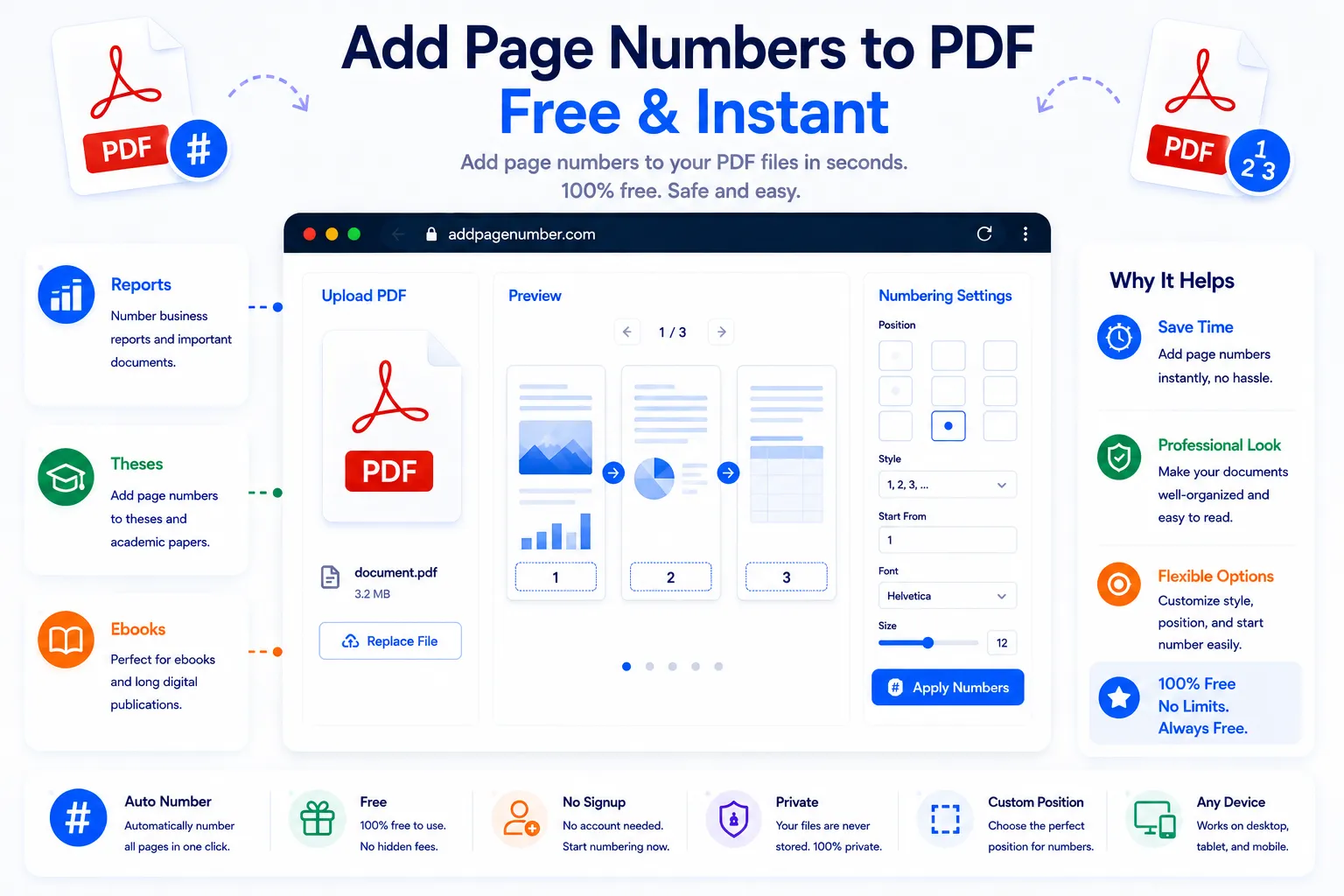
A long PDF without page numbers is harder to navigate than it needs to be, whether it's a report being read on screen, a printed handout passed around a meeting, or a manuscript sent out for review. Page numbers give readers a way to reference a specific spot, keep printed pages in order, and make the whole document feel finished. Adding them doesn't require opening the file in design software.
This guide covers where page numbers typically go, what to consider when numbering a PDF, and how to add them for free using NexaTools.
What Page Numbers Actually Help With
Page numbers exist to orient a reader. In a printed document, they keep pages in the correct order if a stack gets shuffled and let someone say "see page 12" without ambiguity. In a digital document, they make cross-references, tables of contents, and citations easier to follow. A PDF that skips them can still be read fine on screen, but anything that requires pointing to a specific location, feedback, review comments, legal citations, becomes noticeably harder without them.
Step-by-Step: Number Pages in a PDF with NexaTools
- Open the NexaTools PDF Page Numbering tool
- Upload the PDF you want to number
- Choose the position, starting number, and format
- Download the newly numbered PDF
Common Mistakes When Numbering a PDF
- Numbering the cover page as page 1 most readers expect the first content page, not the cover, to be page 1
- Placing numbers where they overlap existing content check a few pages after numbering to make sure nothing gets covered
- Inconsistent formatting across a merged document if pages were combined from multiple sources, renumber the whole file instead of leaving old numbers in place
- Skipping "Page X of Y" for long documents for reports or manuscripts, showing the total page count helps readers gauge how much is left
Who Needs to Number PDF Pages
- Students and researchers submitting papers, theses, or manuscripts
- Businesses distributing reports, proposals, or handouts for print
- Legal and admin teams preparing documents that require page references
- Authors and editors formatting drafts before submission or review
🔢 Number Your PDF Free
No signup, no limits. Upload your PDF and add page numbers instantly.
⚡ Open PDF Page Numbering Tool