GIF to MP4 Converter: Turn Animated GIFs Into Video for Free
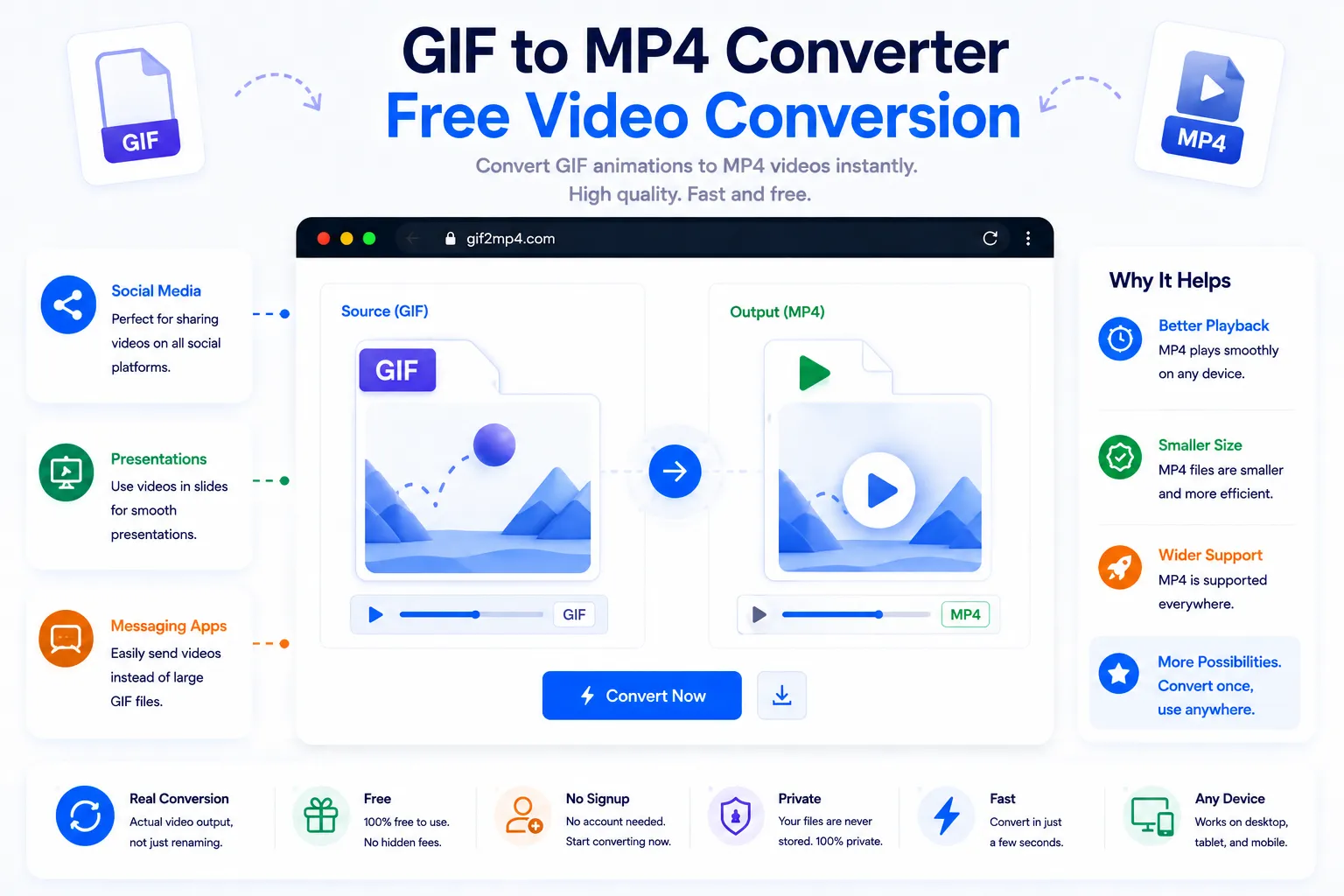
Animated GIFs are convenient, but they're also one of the least efficient ways to store a short clip. A GIF that plays smoothly on one platform might load painfully slowly on another, or get rejected entirely by an app that only accepts video uploads. Converting that GIF to MP4 usually fixes both problems at once, smaller file size and wider compatibility, without changing what the clip actually shows.
This guide explains why MP4 tends to beat GIF for anything beyond a tiny animation, and how to convert one for free using NexaTools.
Why MP4 Beats GIF for Most Uses
GIF was designed decades ago for simple, low-color animations, and it shows: each frame is stored with limited color depth and relatively basic compression, so file sizes balloon quickly as clip length or quality increases. MP4 uses modern video compression that predicts how one frame differs from the next instead of storing each frame independently, which is why a video-length clip that would be enormous as a GIF often becomes a fraction of the size as MP4, while still looking smoother and sharper.
Step-by-Step: Convert GIF to MP4 with NexaTools
- Open the NexaTools GIF to MP4 Converter
- Upload the GIF file you want to convert
- Let the tool process the frames into a video stream
- Download the finished MP4 file
Common Mistakes When Converting GIF to Video
- Starting from a low-quality GIF converting a blurry or heavily compressed GIF won't recover detail that was already lost, since a converter can only work with what's in the source file
- Expecting automatic looping everywhere not every video player loops by default, so check the destination platform's playback settings if the clip needs to repeat continuously
- Uploading the GIF anyway out of habit some platforms technically accept GIF but silently re-encode it poorly, so uploading the MP4 directly usually gives more predictable results
- Ignoring frame rate mismatches a GIF exported at an unusual frame rate can look choppy after conversion if the output isn't set to a standard video frame rate
Who Needs a GIF to MP4 Converter
- Social media managers preparing short clips for platforms that don't accept GIF
- Website owners replacing heavy GIFs with lighter video for faster page loads
- Marketers submitting animated creative to ad platforms with video-only uploads
- Anyone sharing a screen-recorded GIF that's grown too large to send easily
🎬 Convert Your GIF Free
No signup, no limits. Upload your GIF and convert it to MP4 instantly.
⚡ Open GIF to MP4 Converter