How to Blur Part of an Image for Privacy (Free Tool)
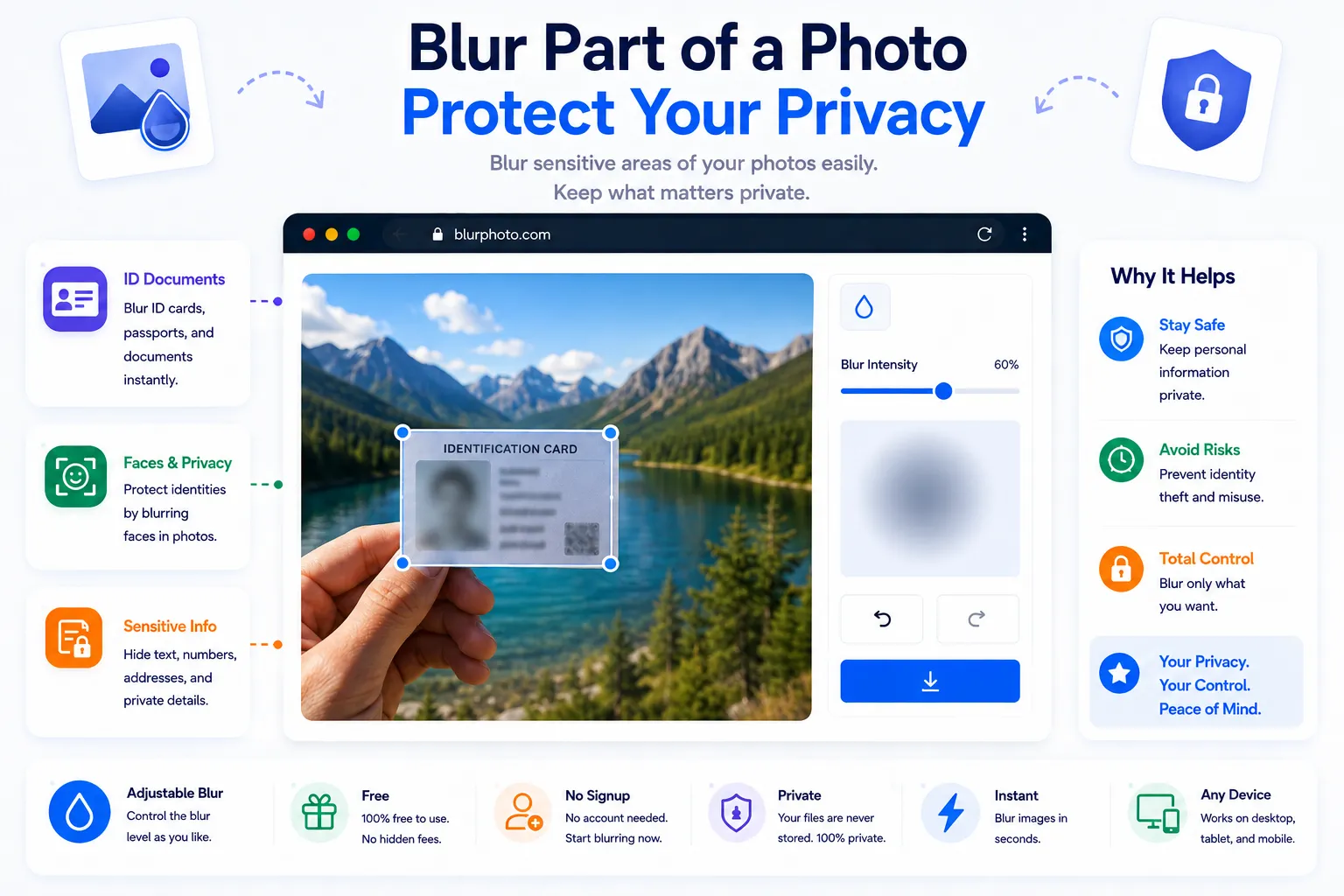
Not every photo is meant to show everything in it. A screenshot might contain someone else's name, a street photo might catch a license plate, a product shot might reveal a home address on a package label. Blurring is the quickest way to hide that kind of detail without cropping the whole photo or covering it with an ugly black box.
This guide covers when blurring makes sense, what to keep in mind so the hidden detail actually stays hidden, and how to do it for free using NexaTools.
Why Blur Instead of Crop or Cover
Cropping removes context along with the sensitive detail, which isn't always acceptable when the rest of the frame matters. A solid black box hides the detail completely but looks jarring and draws attention to exactly what's being hidden. Blurring sits in between: it obscures the specific region enough to protect privacy while keeping the image looking natural and the surrounding context intact.
Step-by-Step: Blur an Image with NexaTools
- Open the NexaTools Image Blur Tool
- Upload the photo you want to edit
- Select the area to blur, such as a face or a section of text
- Adjust the blur strength and download the edited image
Common Mistakes That Undermine Privacy Blurring
- Blurring too lightly a light blur can sometimes be reversed with sharpening filters, so use a strong enough setting that the detail is genuinely unreadable
- Missing a second appearance the same face or text sometimes appears more than once in an image, like a reflection, so check the whole frame before exporting
- Sharing the original alongside the blurred copy uploading both versions to the same place defeats the purpose, since the original still exposes the detail
- Forgetting metadata a blurred image can still carry identifying information in its EXIF data, like a GPS location, which is worth stripping separately
Who Needs an Image Blur Tool
- Anyone sharing screenshots that contain personal or account details
- Photographers publishing street photography featuring bystanders
- Sellers posting product photos that accidentally capture an address label
- Parents and guardians sharing photos that include other people's children
🔒 Blur Your Image Free
No signup, no limits. Upload your photo and blur it instantly.
⚡ Open Blur Tool