Text Tools
48 Free Text Tools Every Writer and Student Should Bookmark in 2026
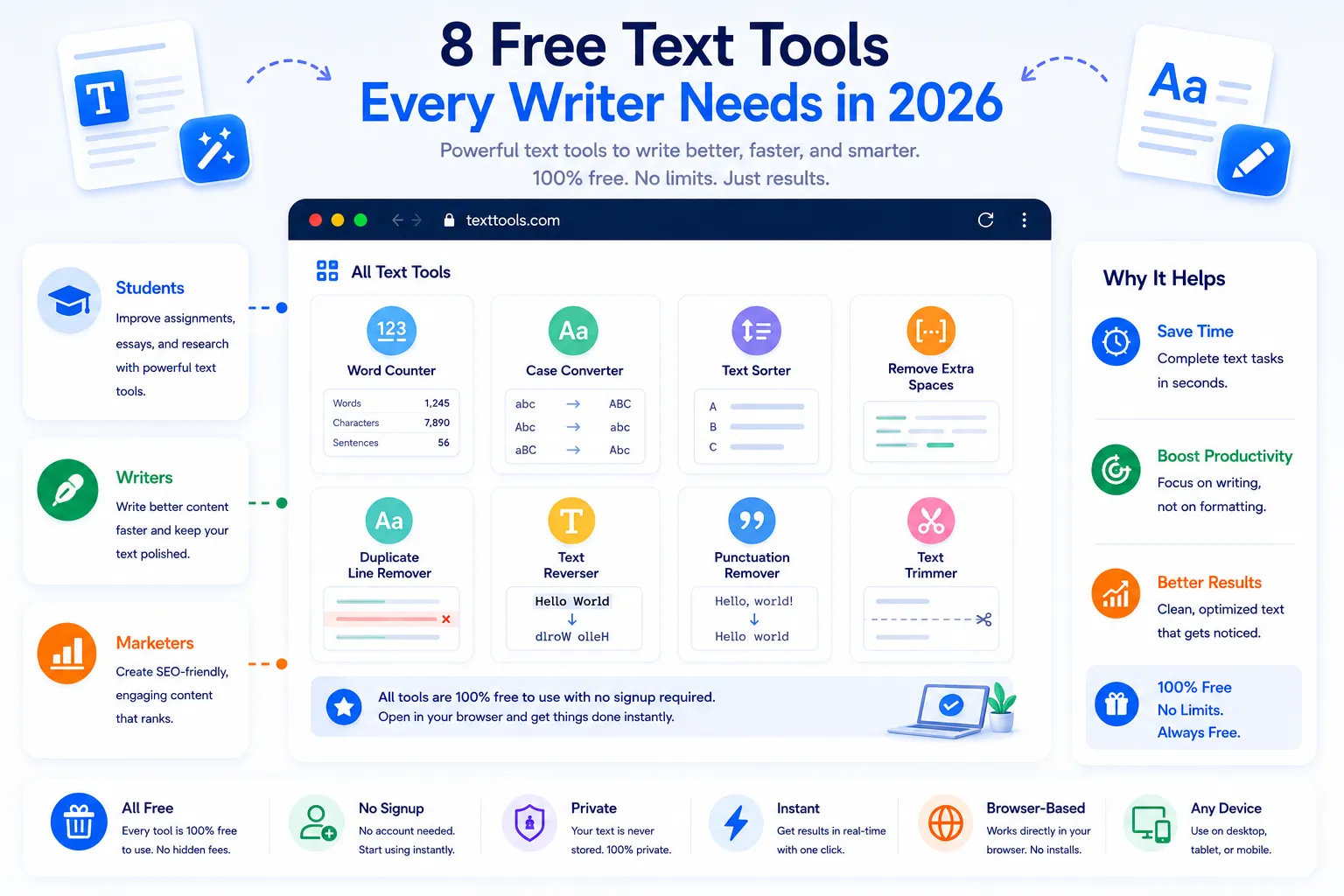
Most writing problems don't need a paid subscription to solve, they need the right small tool at the right moment. A word count for an assignment with a strict limit, a quick case conversion for a heading, a way to strip formatting out of a pasted paragraph, these are five-second jobs that free browser-based tools handle without ever asking for a login. This list rounds up 48 of them, grouped by what they're actually useful for, so writers and students can bookmark the categories they'll reach for again and again.
Counting and Measuring Text
Know exactly how much you've written
- Word Counter — tracks word count against assignment or submission limits
- Character Counter — useful for bios, meta descriptions, and character-capped fields
- Sentence Counter — breaks a passage down by sentence count
- Paragraph Counter — checks structure and length distribution across a document
- Reading Time Estimator — estimates how long a piece takes to read aloud or silently
- Speaking Time Estimator — useful for timing a speech or presentation script
- Keyword Density Checker — shows how often specific words repeat across a text
- Syllable Counter — counts syllables per word, handy for poetry and rhythm checks
Formatting and Case Conversion
Clean up formatting in seconds
- Uppercase Converter — converts text to all caps
- Lowercase Converter — converts text to all lowercase
- Title Case Converter — capitalizes headings correctly
- Sentence Case Converter — capitalizes only the first letter of each sentence
- Alternating Case Converter — flips text into alternating upper and lower case
- Plain Text Stripper — removes rich formatting from pasted content
- Line Break Remover — collapses text into a single continuous paragraph
- Whitespace Trimmer — removes extra spaces, tabs, and blank lines
- Bullet List Formatter — turns plain lines into a clean bulleted list
- Numbered List Formatter — auto-numbers a list of pasted lines
Editing and Proofreading Helpers
Catch mistakes before submitting
- Duplicate Line Remover — deletes repeated lines from notes or lists
- Duplicate Word Finder — flags accidental repeated words in a sentence
- Text Diff Checker — compares two versions of a document side by side
- Find and Replace Tool — swaps a word or phrase across an entire document at once
- Readability Checker — scores how easy a passage is to read
- Passive Voice Highlighter — flags passive constructions for review
- Filler Word Finder — highlights overused words like "very" or "just"
- Long Sentence Highlighter — flags sentences that may need to be split up
Encoding, Cleanup, and Conversion
Handle text formats and encodings
- Text to Slug Converter — turns a title into a URL-friendly slug
- Text to Binary Converter — converts plain text into binary code
- Binary to Text Converter — decodes binary back into readable text
- Text to Morse Code Converter — translates text into Morse code and back
- Base64 Encoder/Decoder — encodes or decodes Base64 text strings
- Text to HTML Entities Converter — escapes special characters for safe HTML use
- Markdown to Plain Text Converter — strips Markdown symbols out of formatted text
- CSV to Text Converter — turns CSV rows into readable plain text
- Text to CSV Converter — reformats structured text into CSV rows
- Reverse Text Generator — flips a string of text backward
Generators and Study Helpers
Speed up drafting and studying
- Lorem Ipsum Generator — generates placeholder text for design mockups
- Random Word Generator — pulls random words for brainstorming or games
- Random Sentence Generator — generates random sentences for testing or writing prompts
- Flashcard Text Formatter — turns Q&A style notes into a flashcard-ready format
- Citation Formatter — formats references into common citation styles
- Acronym Finder — expands common acronyms found in a passage
- Text Summarizer — condenses a long passage into a shorter summary
- Outline Generator — turns headings and notes into a structured outline
Sharing and Presentation
Get text ready to publish or present
- Text to Image Converter — turns a block of text into a shareable image
- Text to QR Code Generator — encodes text or a link into a scannable QR code
- Fancy Font Text Generator — converts plain text into stylized Unicode fonts
- ALL CAPS Heading Generator — formats headings for consistent presentation style
- Text Wrapping Tool — wraps long text to a fixed line width for terminals or code comments
- Word Cloud Generator — visualizes the most frequent words in a passage
- Text Column Splitter — splits a block of text into evenly sized columns
- Signature Text Generator — formats a name or quote into a stylized signature line
✦ Quick Tip
Bookmark the categories, not just the individual tools, most writing sessions only need two or three of these at once, and knowing which group to check saves more time than memorizing 48 separate names.
Who Gets the Most Use Out of These
- Students formatting essays, citations, and assignments under strict word limits
- Bloggers and content writers cleaning up drafts before publishing
- Developers and marketers converting text between formats and encodings
- Anyone who needs a quick, no-signup fix for a small text problem
✅ Reviewed by Rashid Amin, Founder of NexaTools
🕒 Last Updated: August 2026
✍️ Explore Free Text Tools
No signup, no limits. Browse the full collection of text tools instantly.
⚡ Browse All Tools